
Xero Tip of the Month: Stay On Top of Payments With Invoice Reminders
Following up unpaid invoices can slip down the to-do list when things get busy. Xero’s automatic invoice reminders can help by sending customers a friendly prompt before or after their invoice is due.
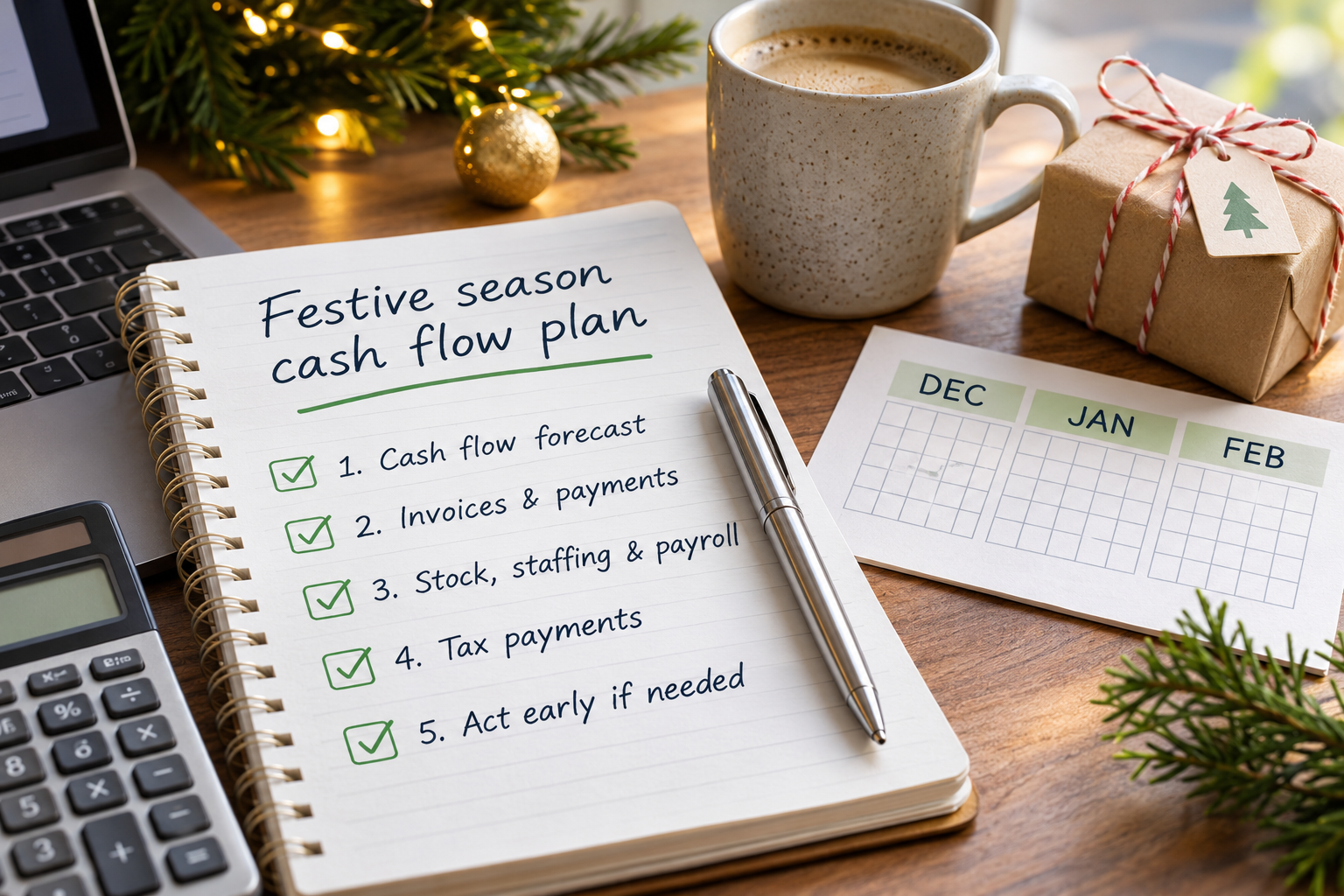
We’ve shared this feature before, but with the Christmas period approaching, it’s worth another look. Whether you’re new to invoice reminders or already using them, now’s a good time to check your settings and make sure they’re working for your business.
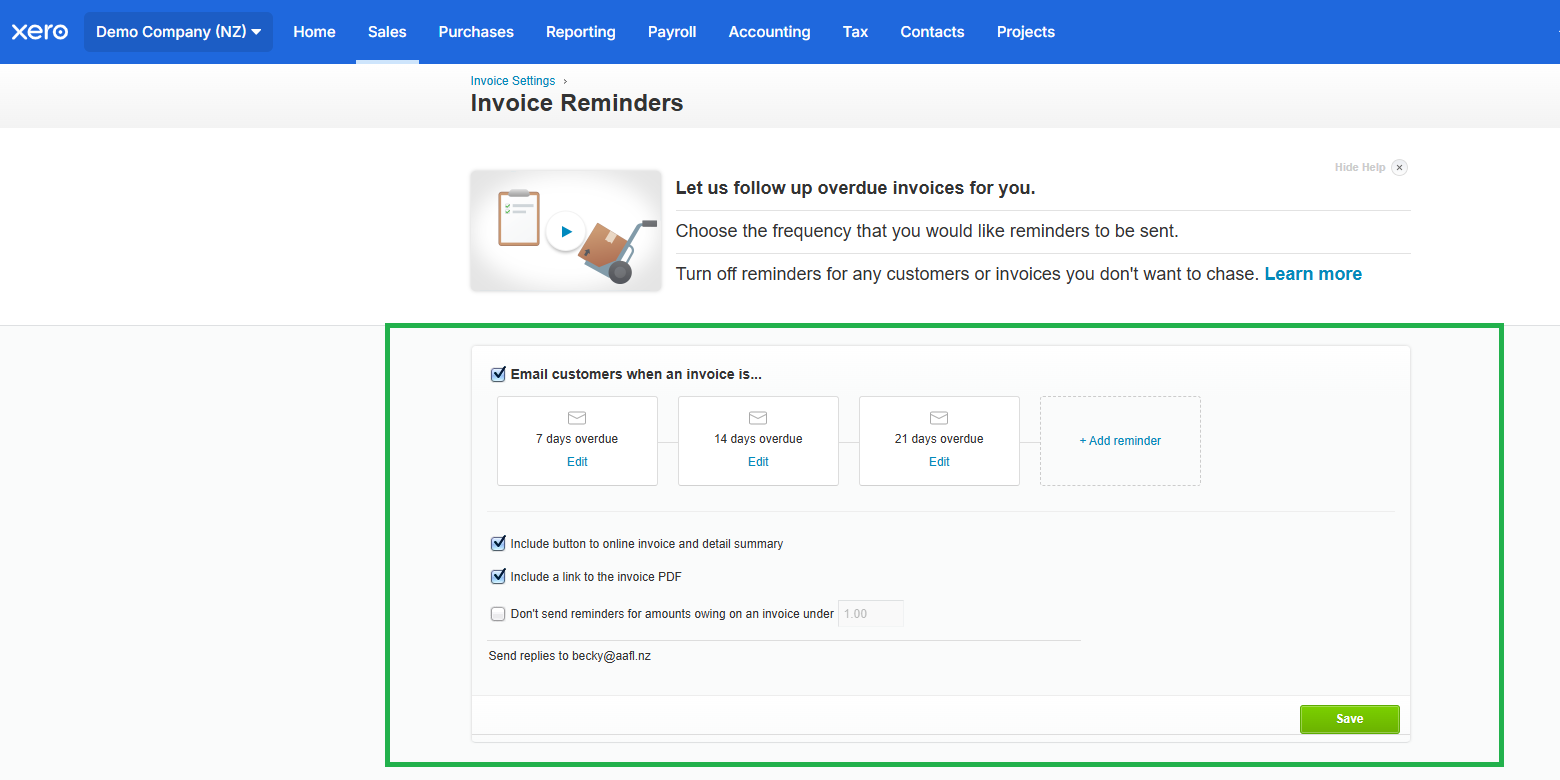
How to set up or review your reminders
- Go to Sales → Invoices.
- Click Invoice Reminders: On or Invoice Reminders: Off, depending on your current settings.
- To turn reminders on, tick Email customers when an invoice is…. If it’s already ticked, leave it selected.
- Click Edit beneath a reminder to adjust its timing and email wording, then click Save.
- Optional: Click Add reminder to create an additional reminder.
- Click Save on the main Invoice Reminders page to save any changes.
For reminders to work, the contact must have a current email address in Xero and the invoice must be marked as sent.
Already using reminders?
Check that the timing and messages still suit your customers and review any customers or invoices you’ve excluded from reminders.
Keep payments up to date
Regularly reconcile customer payments so Xero can recognise invoices that have been paid. This helps avoid sending reminders to customers who have already settled their accounts. A quick review now can help keep invoice follow-ups consistent over summer and reduce the time you spend chasing payments.
Need a hand with your settings? Get in touch with the All Accounted For team - we’re happy to help.